Free VR blackjack games let you sit at a virtual table, handle cards or chips with motion controls, and practice standard blackjack decisions without wagering or withdrawing real money. The strongest options use play-money credits and fall into two categories: social casinos with multiple table games and dedicated blackjack apps focused on practice.
The choice is relatively small compared with conventional mobile blackjack. Start with the two established options below, then confirm current headset compatibility and pricing on the relevant platform store before downloading.
Confirmed Free VR Blackjack Options
| VR blackjack option | Best for | Table experience | Controls | Currency model |
|---|---|---|---|---|
| Vegas Infinite | Social casino play and multiplayer tables | Shared casino spaces with live player interaction and several table-game formats | Tracked VR controllers; supported interaction methods can vary by headset | Free-to-play virtual credits; no cash withdrawal |
| Blackjack Casino & Poker | A more focused blackjack and card-game experience | Virtual casino tables with play-money gameplay | VR controller interaction | Virtual chips with no real-money payout |
Vegas Infinite
Vegas Infinite is a free-to-play social casino application that includes blackjack alongside other casino-style games. It is the better fit for players who want the atmosphere of a populated casino rather than a solitary training table.
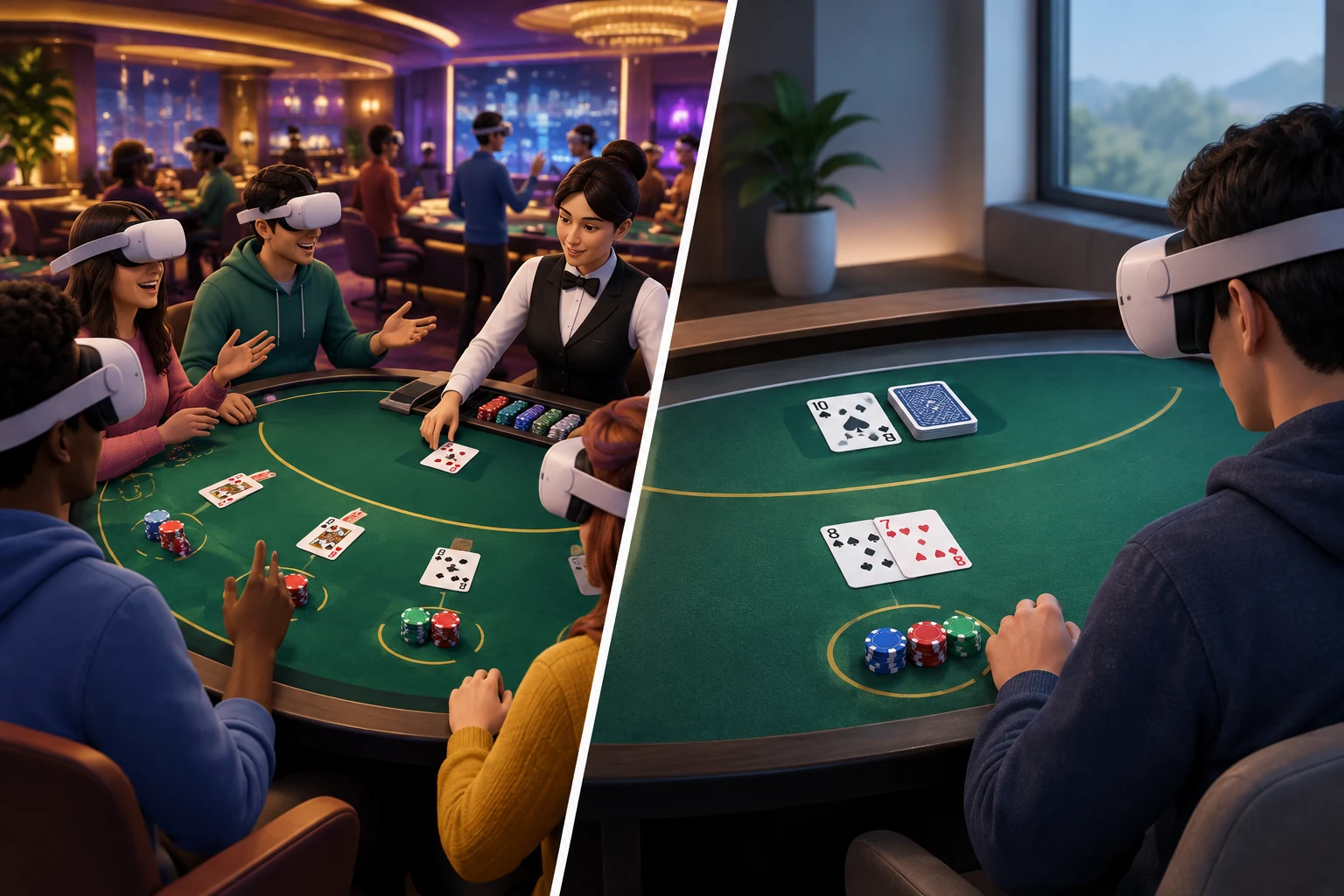
Its main blackjack appeal comes from shared tables. Players can occupy virtual seats, observe one another’s actions, communicate socially, and interact with the table through VR controls. This creates a closer approximation of casino table pacing than a flat-screen blackjack app.
However, social features also change the experience. Public tables may be noisier or slower than a private practice session, and players should use the application’s comfort, communication, and moderation settings when needed. Virtual credits are entertainment tokens, not money that can be withdrawn.
Vegas Infinite has appeared on major VR platforms, including Meta Quest, PlayStation VR2, and PC VR through Steam. Support can change, so verify that the current store listing names your exact headset before installing it.
Blackjack Casino & Poker
Blackjack Casino & Poker is a more concentrated option for players primarily interested in virtual card tables rather than a large social casino. It uses virtual chips and VR table interactions to reproduce the basic flow of blackjack without real-money gambling.
Because this page compares the VR blackjack category rather than reviewing one application in depth, see the dedicated Blackjack Casino & Poker review for a closer look at its interface, gameplay, and platform considerations.
What “free VR blackjack” usually means
A free download does not always mean that every feature or virtual item is included. VR casino applications may use a free-to-play structure involving:
- Complimentary starting chips
- Recurring virtual-credit allowances
- Optional in-app purchases
- Cosmetic items or props
- Account-based rewards
- Access rules tied to platform or region
Play-money credits should remain separate from cash. They may resemble casino chips, but they do not represent a redeemable balance. Always check the store description and in-app purchase disclosures before playing.
For other no-cash casino formats, visit the broader free VR casino games guide.
How Blackjack Works in VR
VR blackjack follows the same central objective as conventional blackjack: build a hand closer to 21 than the dealer’s hand without exceeding 21.
Number cards keep their printed values. Face cards count as 10, while an ace can count as 1 or 11, depending on which value benefits the hand. A two-card hand containing an ace valued at 11 and a 10-value card is a blackjack.
A typical VR blackjack round
- Take a virtual seat. Join an available table or begin a private or solo session if the application offers one.
- Place a play-money wager. Select virtual chips and move them to the betting area, or choose a value through the interface.
- Receive the initial cards. The player and dealer normally receive two cards, with the dealer exposing one card.
- Choose an action. Available decisions can include hit, stand, double down, or split.
- Complete the dealer’s hand. After player decisions are finished, the dealer follows the table’s fixed drawing rules.
- Settle the virtual wager. The application updates the chip balance according to the result.
The exact payout display, dealer rules, number of decks, and permitted actions can differ between applications or tables. Check the table information panel before assuming that one app uses the same rules as another.
Core blackjack actions
| Action | What it does | When it is normally available |
|---|---|---|
| Hit | Adds another card to the hand | While the hand remains active |
| Stand | Keeps the current total and ends the player’s decisions | On any active hand |
| Double down | Increases the initial wager and deals one additional card | Usually on the first two cards, subject to table rules |
| Split | Divides a matching pair into two separate hands | When the first two cards qualify under the table rules |
| Insurance | Adds a side wager related to a possible dealer blackjack | When the dealer shows an ace, if the table supports it |
VR does not change the mathematical purpose of these actions. It changes how they are selected and presented. Instead of tapping a flat button, a player might point, gesture, move a chip, or press a controller input.
Virtual Tables and Table Interaction
A convincing VR blackjack table should make important information visible without forcing the player to fight the interface. At a minimum, the player should be able to identify:
- The current virtual wager
- The cards in every active hand
- The dealer’s visible card
- Available actions
- Hand totals, if assisted totals are enabled
- The remaining decision time at timed tables
- The current play-money balance
Seated and standing play
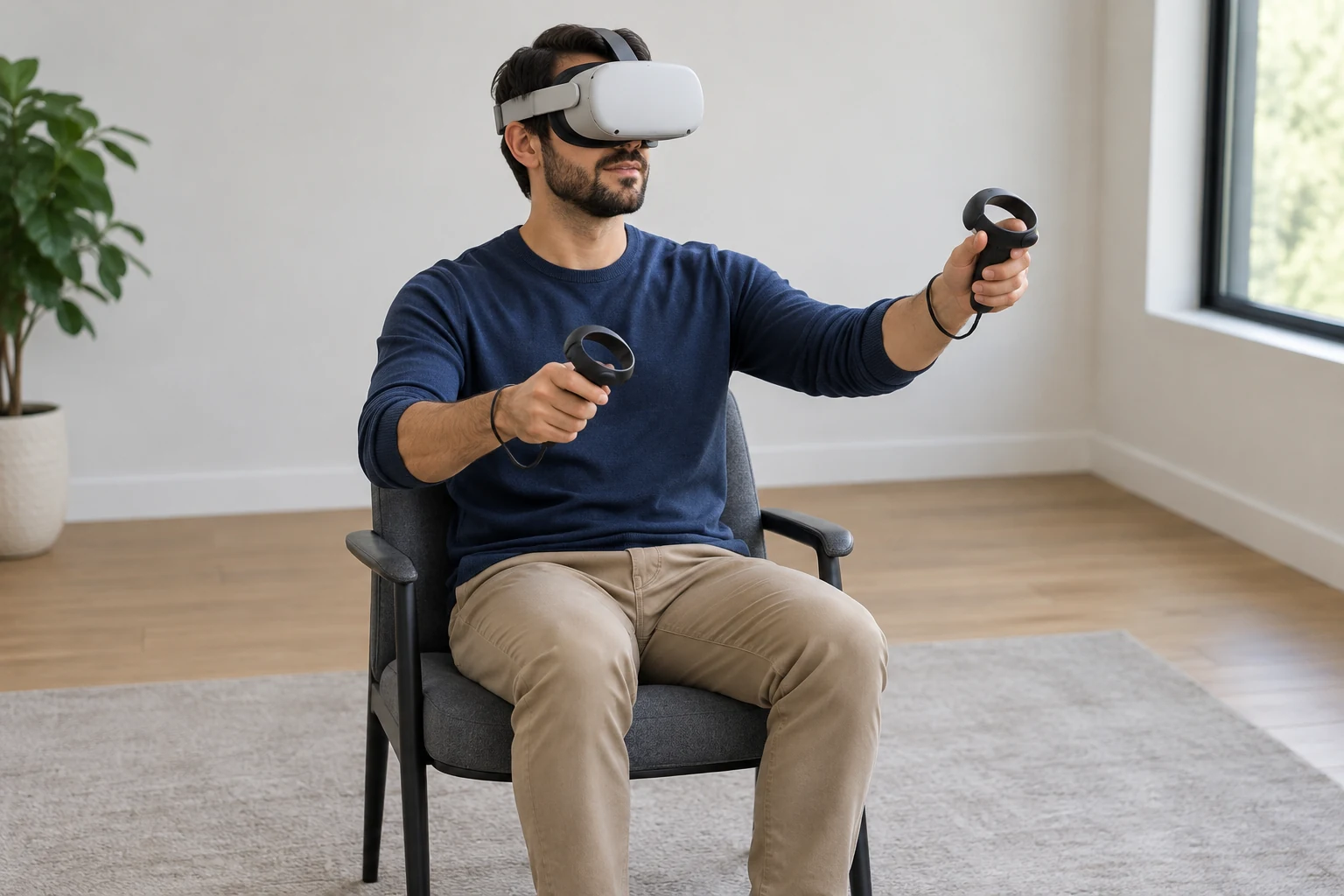
Most people will find seated blackjack more comfortable because the game takes place around a fixed table. A seated setup also reduces the need to reach beyond the safe tracking area.
Before starting:
- Center or recenter the VR view from your intended chair.
- Keep controllers, furniture, drinks, and other objects clear of the table edge.
- Confirm that the virtual table is at a comfortable height.
- Tighten controller straps when using tracked controllers.
- Use turning controls instead of twisting awkwardly to watch other seats.
Standing play may make reaching feel more natural, but it is rarely necessary. Blackjack involves limited movement, so comfort and readable cards are more important than room-scale freedom.
Public, private, and solo tables
VR blackjack tables can be organized in different ways:
Public multiplayer tables emphasize social presence. Other participants may speak, gesture, and react in real time. These tables are useful for atmosphere but may include waiting between hands or distractions unrelated to blackjack.
Private tables allow invited participants to play together with more control over the social environment. Availability depends on the application.
Solo or automated tables prioritize speed and learning. They are often easier for beginners because no other player is waiting for a decision.
Not every game offers all three formats. Players seeking quiet practice should not assume that a social casino includes a fully private training mode.
Controllers, Hand Tracking, and Input Quality
Motion controls are one of the main reasons to choose VR blackjack over a conventional screen. They can make betting and card decisions more physical, but only when the interaction is clear and reliable.
Tracked VR controllers
Controller-based play is generally the most predictable method. An application may ask the player to:
- Point at an action button
- Press a trigger to select chips
- Grip and move a virtual chip stack
- Confirm a wager with a button
- Use a joystick or menu button to reposition the view
- Make simplified table gestures
Good controls should prevent accidental bets and clearly show when an object is selected. A confirmation step is especially useful before placing a large portion of a virtual balance.
Hand tracking
Some headsets can track bare hands without controllers, but support is application-specific. Owning a hand-tracking headset does not guarantee that a blackjack app accepts hand input.
When available, hand tracking can make chips and table gestures feel more natural. It can also be less dependable when hands overlap, move outside the cameras’ view, or blend into a visually busy table. Controller input remains the safer default when precision matters.
Gesture recognition
Physical casinos use recognizable hand signals for common actions, but a VR app may not interpret them literally. One game may treat a table tap as a hit, while another may require a menu selection.
Follow the in-app tutorial rather than relying on real-world gestures. A readable control prompt is more important than visual realism, particularly for new players.
Game Modes and Features Worth Comparing
A free price alone does not determine whether a VR blackjack game is a good fit. Compare the following features before committing time to an application.
Essential selection checklist
- Blackjack is currently included. Do not infer this from a generic casino title.
- Your exact headset is supported. A PC VR listing does not automatically mean standalone Quest support.
- A suitable play mode exists. Decide whether you want public multiplayer, private play, or solo practice.
- The table rules are displayed. Look for dealer behavior, blackjack treatment, split rules, and other variations.
- Cards and chip values are readable. Visual clarity matters more than decorative casino detail.
- Repositioning is available. The table should work with the player’s chair and physical space.
- Communication controls are included. Public spaces should provide mute, block, or reporting tools.
- Virtual credits are explained. Check how free balances, purchases, and replenishment work.
- The tutorial covers VR interaction. Rules knowledge does not automatically explain the app’s controls.
Fast tables versus social tables
A fast table reduces downtime and is useful for repeated practice. It may use an automated dealer, short animations, and immediate transitions between rounds.
A social table favors atmosphere. It may allow conversation, expressive avatars, virtual props, and longer pauses. These features can make the casino feel more convincing, but they do not necessarily help someone learn blackjack efficiently.
Choose based on the intended session: focused practice or social entertainment.
Virtual Chips and Learning Features
Play-money VR blackjack can help a beginner learn the sequence of a hand, recognize legal actions, and become comfortable with a table interface. It should not be treated as a promise of success in real-money gambling.
How virtual-chip systems work
A typical app provides an initial virtual balance and deducts chips when a wager is placed. Winning hands add credits according to the application’s rules. If the balance runs low, the game may provide periodic free credits, rewards, or optional purchases.
Before using an app, determine:
- Whether virtual chips can be purchased.
- Whether free chips replenish automatically.
- Whether rewards require daily logins or other activity.
- Whether different tables have minimum virtual wagers.
- Whether purchases can be restricted through the headset’s account controls.
Avoid buying virtual chips simply to continue a session. A no-cost practice mode, recurring allowance, or balance reset is more appropriate for learning.
Useful beginner features
The most helpful training functions are practical rather than flashy:
- Automatic hand-total calculation
- Clear highlighting of legal actions
- A rules panel available at the table
- Untimed or generously timed decisions
- Replayable tutorials
- Solo play against an automated dealer
- Low virtual betting limits
- Immediate explanations of invalid actions
A game may teach the mechanics of selecting hit or stand without teaching decision strategy. Players who want to study strategy should use a separate rules or training resource and then use VR to practice table flow.
What VR practice can and cannot teach
VR can help with:
- Recognizing the order of a round
- Reading virtual cards and chip values
- Learning controller actions
- Becoming comfortable at a shared table
- Practicing decisions without cash risk
It cannot guarantee favorable outcomes, reproduce every casino rule set, or convert virtual credits into real value. Results in a play-money application should not be interpreted as evidence of future performance elsewhere.
Device Compatibility
Always verify compatibility through the current platform listing. VR software support can change, and similarly named apps may exist on different stores.
| Platform type | What to verify |
|---|---|
| Meta Quest standalone | Exact supported Quest models, storage requirements, controller support, and whether a Meta account is required |
| PC VR / SteamVR | Supported headsets, operating system, computer specifications, tracking system, and whether additional account sign-in is needed |
| PlayStation VR2 | PS VR2 support, PlayStation account requirements, controller compatibility, and regional availability |
| Other or older headsets | Whether the application is still distributed, receives updates, and works with current platform software |
“VR supported” can also mean different things. Some software runs natively on a standalone headset, while other software requires a gaming PC and a wired or wireless PC VR connection. Confirm the installation model before downloading.
Choosing the Right Free VR Blackjack Game
Use this short decision process:
- Choose the desired setting. Pick Vegas Infinite for a broader social-casino environment, or consider a dedicated blackjack application for more focused table play.
- Confirm device support. Check the live store listing for your exact headset and platform.
- Review the currency model. Prefer clearly explained play-money credits and avoid assuming that “free” excludes optional purchases.
- Check available modes. Beginners may benefit from solo or private tables before joining public multiplayer sessions.
- Evaluate control clarity. Select an app with readable cards, dependable inputs, and easy recentering.
- Use account safety tools. Configure purchase restrictions and public-communication settings before play.
The best free VR blackjack game is not necessarily the one with the most elaborate casino. It is the one that works reliably on your headset, explains its virtual-chip system, offers an appropriate table mode, and makes every decision easy to understand.