VR casino safety starts before you put on a headset. Protect your account, review privacy permissions, confirm what you are buying, clear your physical play area, and set firm limits on both time and money. If real-money gambling is involved, use only age-appropriate services that are permitted where you are located and whose licensing status you can independently check.
The following checklist covers the main digital, financial, physical, and gambling-related risks. It cannot guarantee safety or replace medical, legal, or professional support, but it can help you make more informed decisions.
VR Casino Safety Checklist
Complete these checks before entering a VR casino or authorizing a payment.
Before using the app
- Confirm that you downloaded the official app from a trusted platform or the operator’s verified website.
- Check the developer or operator name rather than relying on the app icon alone.
- Read recent permission requests and deny access that is not needed for the experience.
- Review how the app handles microphone input, voice chat, movement data, social features, and payment information.
- Use a unique password and enable two-factor authentication when available.
- Confirm whether the casino uses play money, purchasable virtual currency, real money, or a combination.
- Check the minimum age and any location restrictions.
- If real-money gambling is offered, review the operator’s licence information. Use our separate guide to checking a gambling licence rather than relying only on logos or claims inside the app.
Before putting on the headset
- Clear the floor of furniture, cables, pets, drinks, and other obstacles.
- Set or confirm the headset’s boundary or guardian system.
- Make sure controllers, straps, and the headset fit securely.
- Choose seated mode if the experience does not require standing.
- Keep the room ventilated and use a stable chair without wheels if seated.
- Start with a short session, especially if the app uses artificial movement.
- Avoid playing when tired, unwell, intoxicated, or affected by medication that may impair balance or judgment.
Before spending money
- Identify the currency displayed at the point of purchase.
- Check the real-world cost of token, chip, coin, credit, or item bundles.
- Look for recurring subscriptions, automatic reloads, or saved payment methods.
- Set a spending limit before entering the virtual environment.
- Do not assume virtual winnings can be withdrawn.
- Never continue spending to recover previous losses.
- Review transaction receipts outside the headset after the session.
During and after the session
- Stop immediately if you feel dizzy, nauseated, disoriented, overheated, or unsteady.
- Mute, block, and report users who pressure you for money or personal information.
- Do not reveal your full name, address, financial details, passwords, or authentication codes.
- Take regular breaks and remove the headset before walking around the room.
- Check account activity and payment history after any purchase.
- Log out of shared devices and remove stored payment details when appropriate.
- If gambling is becoming difficult to control, stop and use the operator’s limit, timeout, or self-exclusion tools where available.
Privacy and Account Security
A VR casino may process more than a conventional gambling website. Depending on the headset and app, relevant data can include account identifiers, voice communications, controller movements, play-area information, device details, social interactions, transaction history, and gameplay behavior.
Not every app collects every type of data. The important step is to understand which permissions and features are active rather than assuming that all VR experiences operate in the same way.
Review permissions before accepting them
Permission prompts can be easy to approve quickly inside a headset. Pause and ask whether each permission is necessary for the feature you intend to use.
| Permission or feature | Possible purpose | Safer approach |
|---|---|---|
| Microphone | Voice chat, social tables, moderation | Disable it when not needed and use push-to-talk if available |
| Contacts or friends list | Finding other players | Avoid syncing contacts unless the benefit is clear |
| Camera or passthrough | Room awareness, mixed-reality features | Check when it is active and whether the app receives access |
| Spatial or boundary data | Tracking and collision warnings | Keep headset software updated and review platform controls |
| Location | Regional access, compliance, localized content | Allow only the level of access the service genuinely requires |
| Notifications | Promotions, account alerts, session reminders | Keep security alerts but consider disabling promotional prompts |
| Payment access | Purchases, deposits, subscriptions | Require purchase confirmation and avoid unnecessary saved methods |
Check both the app settings and the headset platform settings. Disabling a feature inside the casino may not change the underlying system permission, and changing a system permission may affect other apps.
For information about how this publication handles visitor data, see the privacy policy. A casino operator or headset provider will have its own separate privacy terms.
Protect conversations and personal details
Voice chat and embodied avatars can create a stronger sense of social presence than text chat. That feeling of being “at the same table” does not make other participants known or trustworthy.
Do not share:
- your password or one-time authentication code;
- your home or workplace address;
- full payment-card or bank details;
- identity documents through informal chat;
- answers to password-recovery questions;
- information about when your home will be empty;
- details that reveal a child’s identity or routine.
Be careful with background audio as well. A live microphone may reveal names, conversations, television audio, or other information from the room. Use mute controls when you are not actively speaking.
Harassment, impersonation, and pressure to move a conversation to another platform are reasons to disengage. Block and report the account through the casino or platform tools. Save relevant account names and transaction records if you need to make a formal report, but do not put yourself at further risk to gather evidence.
Use strong, separate account credentials
A VR casino account may be linked to a headset platform, email address, social account, or payment service. One compromised credential can therefore affect more than the casino app.
Use these account protections:
- Create a unique password. Do not reuse the password from your email, headset account, or banking service.
- Use a password manager. It can generate and store a long password without requiring you to remember it.
- Enable two-factor authentication. Prefer an authenticator or another secure option when the service supports one.
- Protect the connected email account. Email access may allow an attacker to reset the casino password.
- Review active sessions. Sign out of devices or locations you do not recognize.
- Turn on account alerts. Notifications for logins, deposits, purchases, or password changes can expose unauthorized activity.
- Secure the headset itself. Use a device PIN or unlock control, particularly in a shared household.
- Store backup codes safely. Do not keep them in an unprotected note on the same device.
Never approve an unexpected authentication prompt. A code or confirmation request you did not initiate may indicate that someone is trying to access your account.
Recognize phishing and fake support
Scammers may imitate casino staff, headset support teams, payment services, or other players. Common warning signs include:
- an urgent request to “verify” your password or authentication code;
- a promise of free chips, bonuses, refunds, or guaranteed wins;
- a link sent through private chat by an unknown account;
- a request to install software outside the normal app platform;
- pressure to transfer money or cryptocurrency directly;
- claims that your account will be closed unless you act immediately;
- a support account whose name differs slightly from the official one.
Open the service through its official app or enter the known website address yourself. Do not use a login link from an unsolicited message. Legitimate support should not need your password.
Keep software and devices maintained
Install security and operating-system updates for the headset, controllers, companion phone app, and any connected computer. Updates may address account protection, tracking stability, payment handling, or boundary-system performance.
Avoid modified apps and unofficial downloads. They may bypass platform review, request excessive permissions, or expose account credentials. If a device is rooted, modified, or no longer receives security updates, consider whether it is appropriate for accounts connected to payment information.
Purchases, Deposits, and Virtual Currency
VR casino interfaces can make spending feel less tangible. A player may handle virtual chips, press a floating button, or buy a themed bundle without seeing cash change hands. The transaction is still real if it charges a payment card, digital wallet, platform balance, or bank account.
The first task is to identify what kind of product you are using.
| Model | What you may spend | What you may receive | Main safety question |
|---|---|---|---|
| Free play | No payment required | Non-cash chips or points | Does the app encourage later purchases or collect personal data? |
| Social casino | Money for virtual items or currency | Entertainment items usually governed by app terms | Can the currency be withdrawn, transferred, or refunded? |
| Subscription | Recurring fee | Access, benefits, or periodic virtual items | When does the subscription renew, and how is it cancelled? |
| Real-money gambling | Deposit or wager with monetary value | Potentially withdrawable winnings, subject to rules | Is the service lawful for you, licensed, age-restricted, and transparent about withdrawals? |
Labels vary, so do not classify a service by appearance alone. Read the payment screen and applicable terms.
Check the real cost before confirming
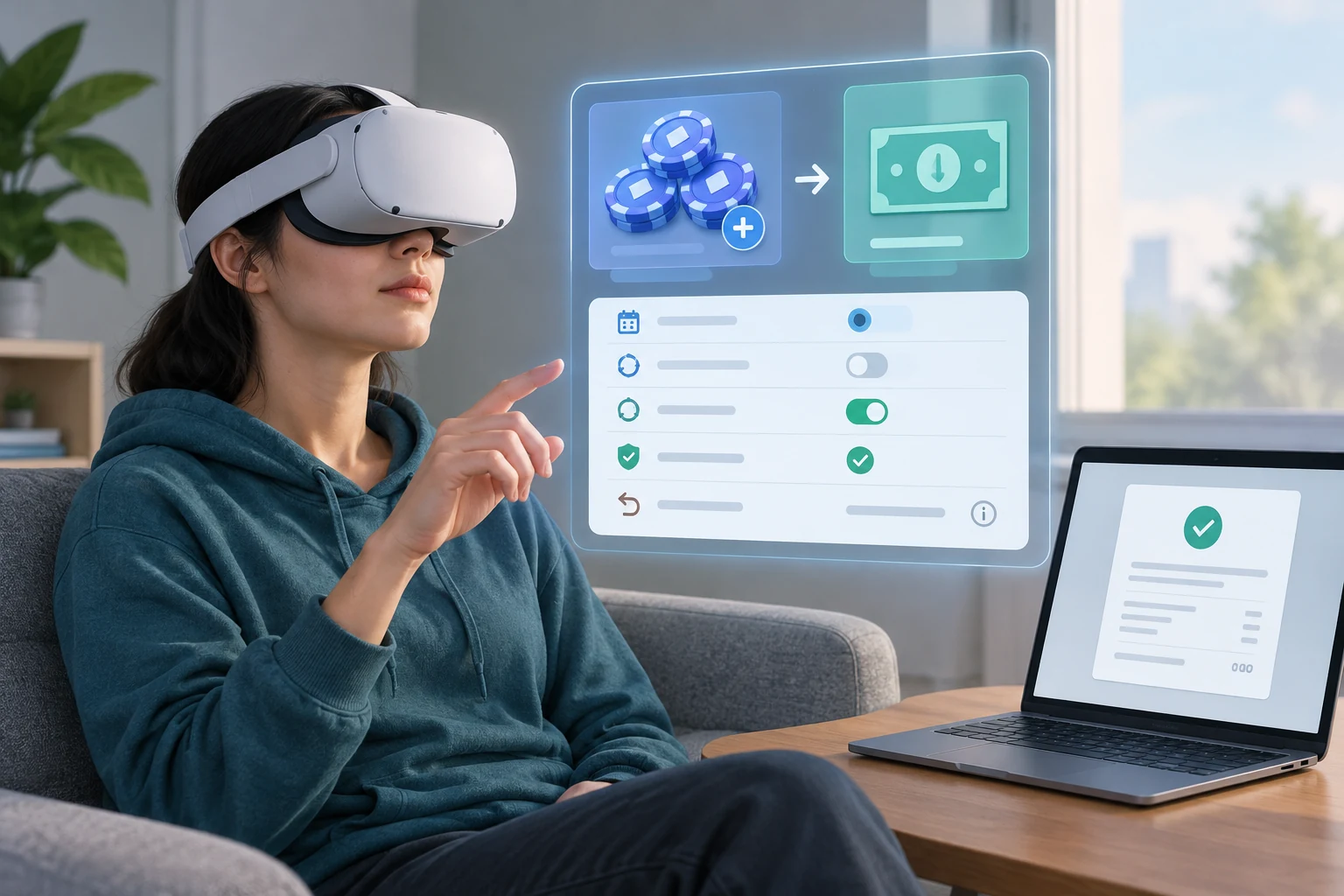
Virtual currency can obscure the relationship between an in-app amount and its real-world price. Before buying:
- Note the total charge in your normal currency.
- Confirm how many tokens, chips, credits, or items you will receive.
- Check whether taxes or platform fees are shown before confirmation.
- Determine whether the purchase is one-time or recurring.
- Look for automatic reload or low-balance refill settings.
- Check whether unused currency expires or remains tied to the account.
- Review refund and withdrawal conditions.
- Take off the headset if the interface makes the terms difficult to read.
Do not assume that “coins,” “credits,” or “chips” have cash value. Their value and permitted uses depend on the service’s terms. Likewise, an item that can be transferred between users may create fraud or account-security risks even if the operator does not describe it as money.
Add friction to purchases
Convenience can increase accidental or impulsive spending. Useful controls include:
- requiring a PIN, password, or biometric confirmation for each purchase;
- removing stored payment methods after use;
- disabling automatic reloads;
- turning off one-click purchasing;
- using platform-level parental purchase controls;
- enabling bank or wallet transaction alerts;
- setting deposit, loss, wager, or spending limits where available;
- maintaining a separate entertainment budget.
A limit should be set before play, not increased in response to losses or a promotional offer. Treat the amount as an entertainment cost that you can afford to lose, not as money expected to return.
Verify every completed transaction
VR interfaces may close, lag, or move to another screen before you are certain a payment succeeded. Do not repeatedly press the purchase button. Remove the headset and check:
- the app’s transaction history;
- the headset platform’s purchase record;
- your email receipt;
- the relevant bank, card, or wallet activity.
If you see an unfamiliar charge, secure the account first and contact the appropriate official support channel. Do not send payment details to someone who approaches you in social chat claiming to offer a refund.
Use extra care on shared headsets
A shared headset can expose saved accounts, messages, purchase methods, and gameplay history. For each user:
- use separate profiles where supported;
- require purchase authorization;
- do not save payment details on a child’s profile;
- log out of casino accounts after use;
- prevent browsers or password managers from auto-filling sensitive credentials for other users;
- review installed apps and permissions periodically.
Platform controls can reduce risk, but they are not a substitute for supervision and clear household rules.
Physical Space, Comfort, and Motion Sickness
VR casino safety is also physical. Even a seated card game can involve reaching, turning, leaning, or reacting to objects that do not exist in the room. Artificial movement and visual effects may also cause discomfort.
Prepare a safe play area
Set up the room before launching the app:
- Clear the floor. Remove cables, bags, low tables, loose rugs, toys, and other trip hazards.
- Create space around your arms. Consider shelves, ceiling fans, lamps, walls, and nearby people.
- Keep pets and children away from the boundary. They may enter without appearing clearly in the virtual scene.
- Use the headset boundary system. Recalibrate it if furniture has moved or tracking is inaccurate.
- Secure the equipment. Adjust the headset and use controller straps as intended.
- Choose a stable position. If seated, use a steady chair and keep both feet supported.
- Keep liquids outside the active area. Remove the headset before reaching for a drink.
- Maintain airflow and a comfortable temperature. Heat and a tightly fitted headset can add to discomfort.
A virtual boundary is only a warning system. It cannot detect every object or stop a collision. Passthrough video can also have limited depth, clarity, or coverage, so remove the headset before moving through the room.
Reduce motion sickness and visual discomfort
VR motion sickness may involve nausea, dizziness, sweating, headache, eye strain, disorientation, or loss of balance. Susceptibility differs between people and can vary by app, movement design, frame stability, fatigue, and session length.
To reduce discomfort:
- begin with short sessions;
- choose seated or stationary experiences when possible;
- use teleport movement instead of smooth movement if the app offers both;
- enable snap turning, reduced peripheral motion, or comfort mode;
- avoid rapid camera movement and unnecessary visual effects;
- adjust the headset fit and lens settings according to the manufacturer’s guidance;
- make sure tracking is stable and the lenses are clean;
- take breaks before symptoms appear;
- avoid using VR when already nauseated, exhausted, or unwell.
Do not try to “push through” symptoms. Stop the session, remove the headset while seated, and wait until you feel steady before standing or walking. Resume only when you feel well, and consider using more comfortable movement settings or shorter sessions next time.
Persistent, severe, or unusual symptoms warrant advice from an appropriate healthcare professional. People with health conditions or specific concerns about VR use should seek individualized medical guidance rather than relying on a general online checklist.
Manage disorientation after leaving VR
A highly immersive environment can temporarily affect your awareness of the real room. When finishing a session:
- Pause the app while seated or standing still.
- Remove the headset slowly.
- Look around and reorient yourself.
- Check that the floor is clear.
- Stand gradually if you were seated.
- Avoid immediately using stairs or handling hot objects if you still feel unsteady.
Long sessions can also make it easier to lose track of time. Use a timer outside the app, particularly when the virtual environment has no clear clock or daylight cues.
Age Restrictions, Real-Money Risk, and When to Seek Help
A VR presentation does not make gambling appropriate for children. Realistic chips, casino tables, social rewards, and simulated betting can normalize gambling behavior even when an app uses play money.
Follow both platform and gambling age rules
Age requirements may come from several places:
- the headset manufacturer;
- the app store or platform;
- the individual VR application;
- the payment provider;
- the gambling operator;
- the rules that apply in the user’s location.
These requirements may differ. A person old enough to use a headset or social app is not necessarily old enough to gamble. Do not bypass age checks, use another person’s identity, or allow a minor to access an adult gambling account.
Parents and guardians should review:
- which apps are installed;
- whether casino simulations include purchases;
- whether voice chat is enabled;
- which payment methods are attached;
- whether purchase approval is required;
- what age rating and terms apply;
- whether the child can access an adult profile.
Avoid sharing identity documents or adult credentials simply to unlock an app. Identity and age checks should occur only through the operator’s official process.
Understand real-money gambling risk
No interface, strategy, social signal, or immersive feature removes the possibility of losing money. VR may add environmental cues that affect decisions: animated rewards, social pressure, a convincing casino atmosphere, rapid access to another wager, or difficulty seeing real-world reminders.
Safer gambling habits include:
- deciding the maximum time and money before starting;
- keeping essential household money separate;
- never borrowing to gamble;
- not treating gambling as income or an investment;
- avoiding play when upset, intoxicated, tired, or under pressure;
- ignoring claims of guaranteed wins or “risk-free” systems;
- stopping when the planned limit is reached;
- not chasing losses;
- reviewing spending in real currency after the session;
- using account limits, timeouts, or self-exclusion where necessary.
If you want to learn the interface without risking money, begin with a clearly identified free-play mode where available. Our guide to playing VR casino games explains the basic setup and controls; it does not change the financial risks of wagering.
Check the operator rather than trusting the environment
Professional graphics, branded tables, live social spaces, and polished avatars do not prove that an operator is licensed or trustworthy. Before depositing money, independently check the operator’s claimed authorization and confirm that the details correspond to the service you are using.
For the dedicated process, see how to check a gambling licence. Do not rely solely on a licence logo, an app-store listing, an influencer recommendation, or another player’s assurance.
Licensing does not remove gambling risk, guarantee winnings, or make every service suitable for every user. Location-specific requirements may also apply.
Recognize signs that it is time to stop
Step away and seek support if gambling is:
- exceeding the time or money you intended;
- being hidden from people close to you;
- funded through borrowing or money needed for essentials;
- used to escape distress;
- causing repeated attempts to recover losses;
- disrupting sleep, work, study, or relationships;
- leading you to increase limits repeatedly;
- making you anxious, irritable, or unable to stop.
Use immediate account controls if they are available. These may include deposit limits, wager limits, session reminders, timeouts, payment blocks, or self-exclusion. Removing the headset or uninstalling an app may create distance, but account-level restrictions are more relevant when access is possible through other devices.
Our responsible gambling information provides further guidance and routes to specialist support. If there is an immediate risk of harm, contact local emergency services or an appropriate crisis service in your location.
A Safer VR Casino Routine
Use the same routine each time rather than relying on decisions made inside an immersive environment:
- Verify the app and account. Open the official service, review alerts, and use protected credentials.
- Confirm the game type. Know whether it is free play, a virtual-currency purchase, or real-money gambling.
- Set limits. Decide the session length and maximum spend in real currency.
- Prepare the room. Clear obstacles, set the boundary, and choose a stable seated or standing position.
- Check comfort settings. Select suitable movement, turning, and visual options.
- Play without sharing personal information. Treat other users as strangers unless independently known to you.
- Stop at the first sign of discomfort or loss of control. Do not push through physical symptoms or financial limits.
- Review the session outside VR. Check elapsed time, transactions, account notifications, and how you feel.
- Secure the device. Log out where appropriate and store the headset away from unauthorized users.
The safest choice may be not to proceed if an operator is unclear about payments, permissions, age restrictions, withdrawal rules, or licensing. Immersion should never replace informed consent, account security, physical awareness, or control over gambling decisions.